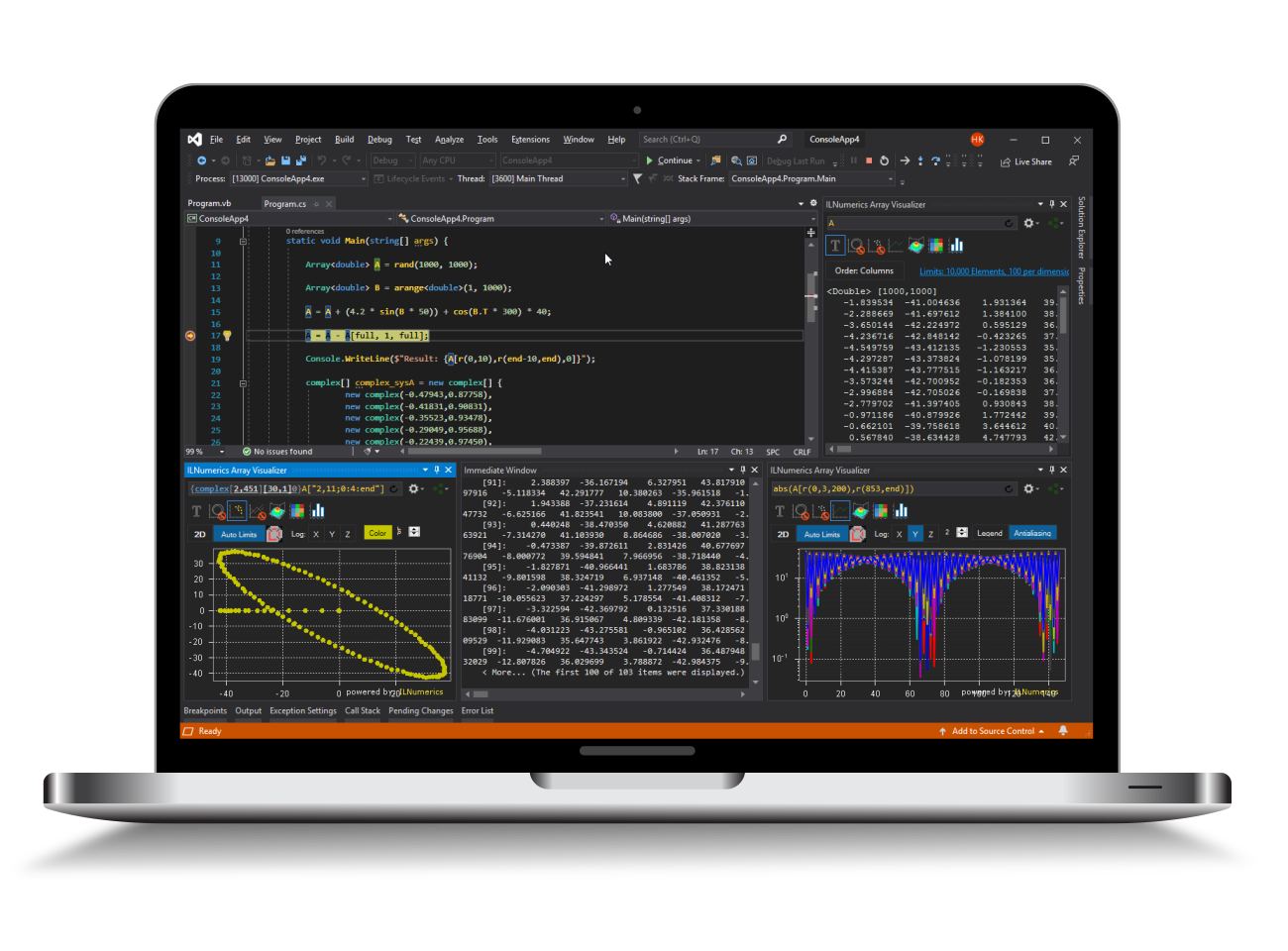
Visualization - Getting Started in 5 min
Nuget Packages
The ILNumerics Visualization Engine can be used to create static and dynamic /interactive visualizations of your data. Static bitmap or vector images can be created on any platform .NET runs on. The only nuget package required is:
- ILNumerics.Drawing - defines all types, basic shapes, scene graph and complex plot types. Platform independent.
Interactivitiy is based on hardware accelerated WPF or WindowsForms controls. Reference the following modules/ nuget packages:
- ILNumerics.Drawing - defines all types, basic shapes, scene graph and fundamental plot types.
- ILNumerics.Drawing.Platforms - for interactive WindowsForms and WPF controls
Even more pre-configured plots and extensions are found in this toolbox. They can be used on any platform:
- ILNumerics.Drawing2 - more and faster plot types, optional extensions toolbox.
Static Visualizations
All visualizations in ILNumerics are based on a scene graph. To create static charts or plots it is sufficient to create a scene containing all visual objects and to use it directly for rendering:

Creating a 3D view of a rotated surface based on terrain data can be created similarly:

Static plots is all you need ? Consider these further readings:
Visualization Engine documentation
Rendering to SVG and more complex offscreen rendering scenarios
Interactivity – The Panel Controls
In interactive visualizations the scene is hosted inside an ILNumerics rendering panel. The ILNumerics Panel controls add an interactive visualization surface to your .NET app. It comes in two flavours: a WPF control and a WindowsForms control. Both are found in the ILNumerics.Drawing.Platforms module / nuget package and are referenced from the ILNumerics.Drawing.Controls.WPF and ILNumerics.Drawing.Controls.WinForms namespaces, respectively. We usually set-up the panel in our projects programmatically:
Winforms example
The ILNumerics Panel provides the Scene property. This property holds the complete scene to be rendered and serves as the starting point for configuring your visualizations.
WPF Example
This example corresponds to a minimal WPF application and requires only one ILNumerics module: ILNumerics.Drawing.Platforms. The Panel is easily configured in the XAML part of your window. The scene configuration ist more conveniently done in the code-behind part. Below example uses C#:
Note, that the ILNumerics WPF panel is a real WPF panel. It allows to use other controls to create overlays over the ILNumerics scene. In this example, we create a text block over the surface plot. "IsHitTestVisible" was deactivated to make sure that interactive mouse events are send to the background ILNumerics panel for full interactivity.
The result:

Further Readings:
A quick start guide for the Visualization Engine is also found in our tutorials section. Or you can start with the overview on the scene graph, to learn how to create your own scenes. The section specifically dealing with plotting & charting objects contains another quick start guide.
Our examples section hosts a large number of example projects. You can download them and modify their code in order to learn how they work.